
Purchase cost software that helps you understand the true cost of your goods
Accurately costed goods allow better insight into your margins and overall profitability.

Average Landed Cost
Maintain a clear and precise record of the true cost of your stock by adding purchase costs to your goods. Make optimal choices, and also assists in the correct valuation of assets on your business’s balance sheet.
Add Costs on Purchases
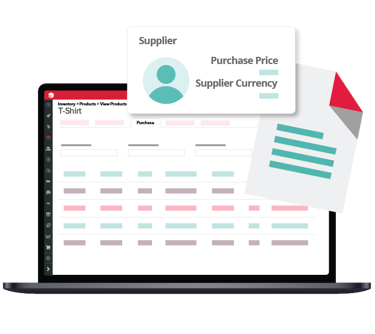
Purchasing stock might incur extra costs such as duties, freight or labour. Costs can be updated as they are received, even after goods have been receipted in and sold.
Accurate Stock Value
Your average landed cost is the value of the purchased product, including purchase costs. PlanIT automatically updates it with each purchase, giving you transparency on the cost of your goods so you can set the right price.
Margins matter
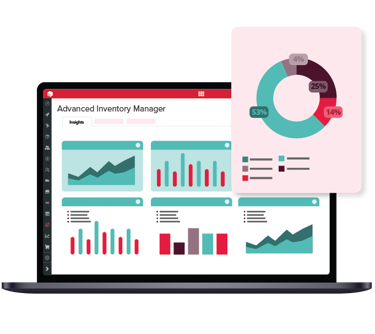
Make better business decisions when you have accurate and precise margins.
Sell Prices
Confidently set sell prices knowing that your margins are accurate and goods are profitable.
Cost Visibility
Easily maintain visibility on costs by using our Margin Enquiry feature to see the results of accurate purchase costs and margins on product profitability.
Straight forward Accounting
PlanIT sends your purchase costs directly to your accounting software for reconciliation, saving you the hassle and improving efficiency.
Automated Costs Distribution
Purchase costs for multiple items are automatically distributed by default, or you can manually add them to one or more items. Ensure your costs are as accurate as possible by applying them to the right products.

Easy Supplier Returns
We make it easier than ever to manage supplier return. Choose whether your purchase costs are refunded or written off when returning goods to a supplier. PlanIT seamlessly sends this information directly to your accounting software for reconciliation.
Purchase order software FAQs Questions
Can I include any additional costs in my purchase orders?
You can add any costs to any purchase orders and PlanIT will spread these costs across the cost of your products. This can be done automatically or you can manually override each one of the costs. For example, freight and customs, handling fees or an invoice from a freight company. In summary, you can add any cost that is not already part of the purchase price of a product.
How is a Purchase Order (PO) created?
Purchase orders can be created from the supplier’s screen or quick links. You can also create a purchase order via a report showing you the products and amounts you need in the business, or via a sales order for fulfilment. When a product is selected, PlanIT can use the supplier’s product code and description.
How can additional costs be added after completing a purchase order?
To ensure that your products cost is accurate, this is best achieved by making the necessary adjustment using your accounting provider’s system (e.g. Xero or Quickbooks). In doing so, you must also do a manual value-only adjustment against the product(s) to ensure your product cost is accurate.
Can completed transactions be amended?
No, and that is because PlanIT acts to safeguard and preserve the integrity of the data that has already been passed on to our integration partners. This ensures maximum auditability. Opposite transactions can be conducted to amend any transaction.
Does PlanIT support supplier quantity price breaks?
Quantity price breaks are not currently available but this functionality is on our road map.