
Meet the AI inventory management software that never lets you run blind
We introduce to you, PlanIT’s AI inventory management software: a next-generation tool that turns uncertainties into accuracy and idle stocks into opportunities. It is meticulously designed to forecast smartly, automate faster, and keep every product right where profit can enter your pocket. No fuss. No assumptions. Just intelligent, precise visibility, always order-ready inventory, and a unified system that works as hard as your business does.
- Excellent
Lorem ipsum dolor sit amet, consectetur adipiscing elit. Ut elit tellus, luctus nec ullamcorper mattis, pulvinar dapibus leo.

AI inventory management built for businesses that refuse guesswork
Our AI-powered inventory software doesn’t just monitor your stock across multifarious location: rather PlanIT actively helps you control it. Integrated with CoPilot, it empowers your business with predictive visibility, effortless access to purposeful but accurate insights, and intelligent recommendations. Leverage PlanIT to ensure your team can move past firefighting operational challenges and put more emphasis on the growth plans.
Your smarter business decisions start with AI that understands your stock better than anyone. Here’s how!
- Instantly find answers, insights, and reports using natural language processing model
- Get proactive alerts before shortages or overstocks hit the shop-floor
- Generate smart campaign ideas powered by real customer behavior insights
- Let CoPilot intelligently guide stock planning with data-backed precision and accuracy

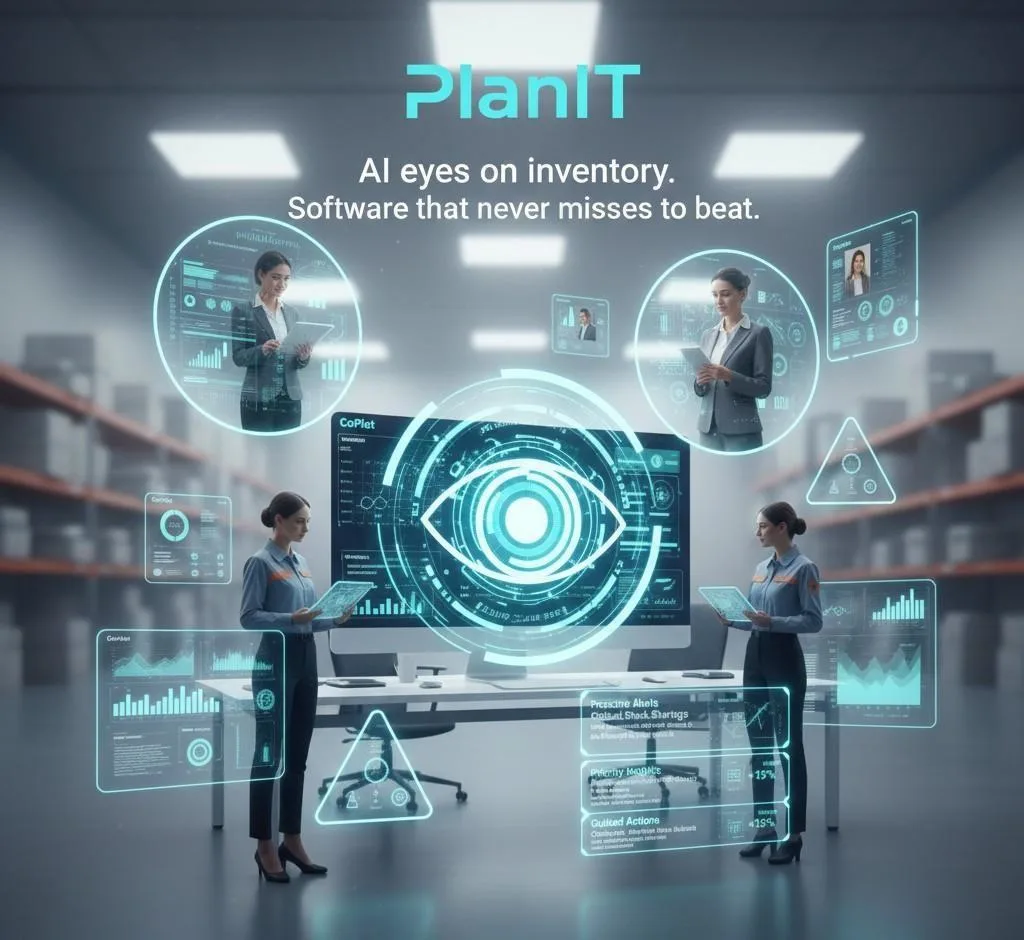
AI software that never misses a beat
Cut through operational noise and emphasize what truly matters for your future expansion plans with PlanIT, our AI-powered inventory management software. No more scrolling through endless dashboards or chasing insights that never arrived in your system on time. Whether it’s the performance trend or a critical alert, PlanIT makes sure nothing important can slip past your attention. Let intelligence guide your decisions, and not guesswork.
Thanks to our AI software, you don’t just see what’s happening, you know exactly what to do.
- Proactive alerts before issues escalate
- Priority insights delivered instantly
- Continuous support, every day
- Guided actions for smarter workflows
Unlock overlooked opportunities with our AI inventory management software
Single Sign-on
Leverage a single, secure login to enjoy seamless access to all PlanIT’s AI software features. No more scattered credentials, lost valuable time, or switching between different accounts. Everything you need will be ready in one click, thereby accelerating productivity and reducing login frustration for everyone on board.
Security
With enterprise-grade protection, our AI-powered inventory management software will keep your data protected. The private AI instances are designed with end-to-end attention to how data is shared between systems, ensuring no external user can gain a sneak peek.
Notifications
Stay ahead with what matters the most with our AI-powered inventory software. PlanIT will automatically send priority notifications straight to your teams, from impending replenishments to orders awaiting dispatch and stock level changes.
Natural Language Interface
Leverage plain but smart language to interact with your inventory just like you would with your best friend. Whether you want to ask questions, run simple tasks through text inputs only, or generate purposeful insights, our AI inventory management tool has got everything covered.
Effortless Reporting
Reporting should never be a chore. All you have to do is tell PlanIT what you are trying to uncover, and it will take control henceforth. Extraction, analysis, and formatting of data, everything will be done instantly. No spreadsheet or template to spot trends and make decisions.